
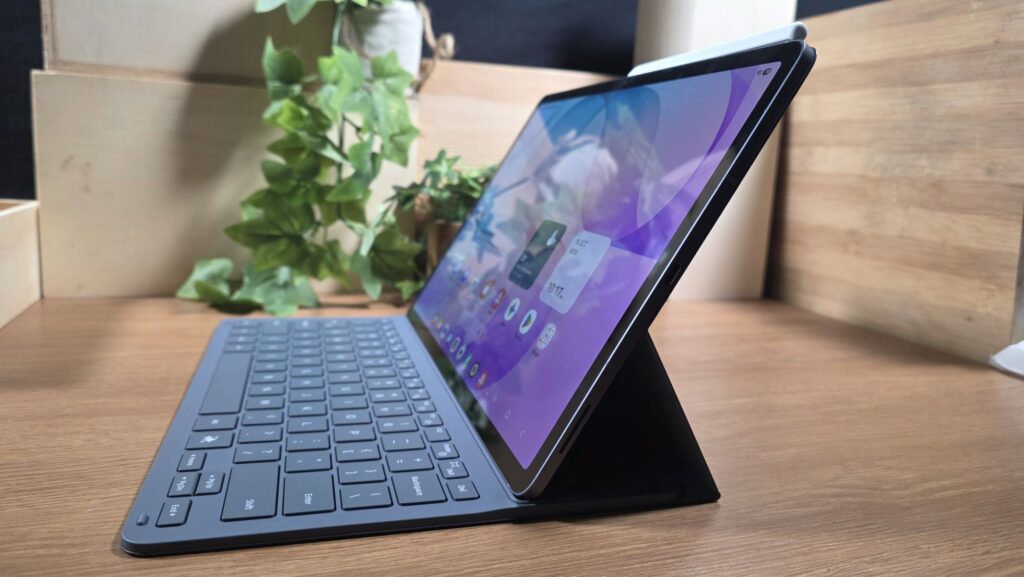
Galaxy AI features on the Samsung Galaxy Tab S12 series – here’s what you need to know
Samsung’s latest Galaxy Tab S12 series comes in a large Tab S12 Ultra which has a larger 14.6-inch display as well as a more compact Galaxy Tab S12+ with a 12.6-inch display with both featuring the same powerful chipset and powerful AI features under the hood.
Powering the Galaxy Tab S12 series is the MediaTek Dimensity 9500 processor built on a 3nm process and running the latest Android 17 with One UI 9.0 paired with 12GB of fast LPDDR5X RAM and 256GB of UFS 4.1 storage. You also get your choice of WiFi only and 5G-enabled variants for the Tab S12 Ultra and Tab S12+ models.
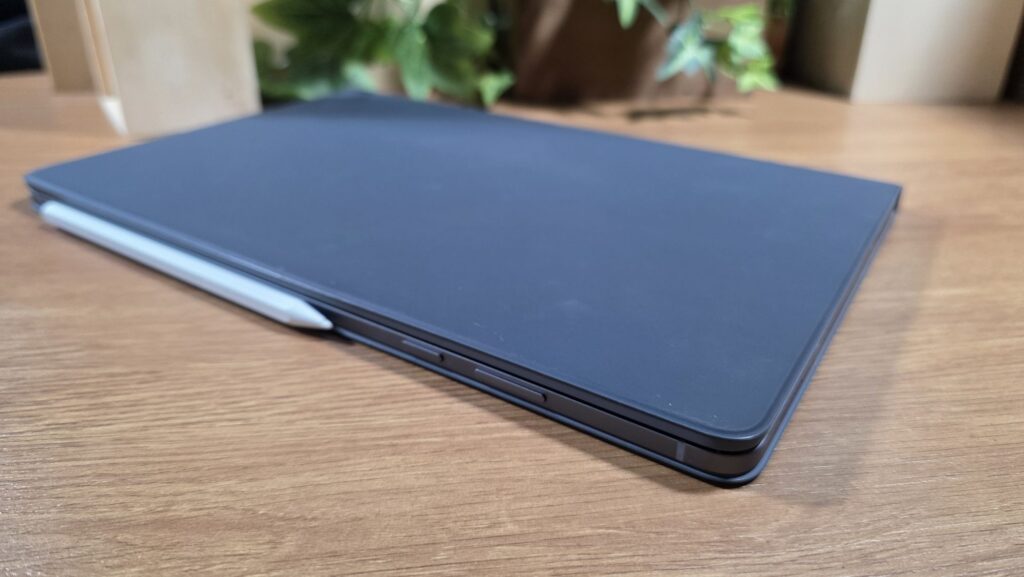
Beyond its flagship-grade hardware, the secret sauce that makes the Galaxy Tab S12 series stand out from the crowd is that it comes with Samsung’s Galaxy AI that features an array of intelligent tools that help you write, organise, create and edit text and even images too for schoolwork or even for tomorrow’s report at work without breaking a sweat, all in a portable form factor. Here’s five of the most useful features in Galaxy AI on the Galaxy Tab S12 series that can enhance and take your productivity to new heights!
Writing Assist
Table of Contents
Whether you’re looking for the right turn of phrase for an assignment or the right tone when you’re writing a report or messaging your boss or simply want to make a lengthy piece of text easier to digest, Writing Assist in Galaxy AI is able to help.

With it and the Galaxy Tab S12 series, you’re able to rewrite text in different Writing Styles, check your Spelling and Grammar, Summarise long sections of text and even reorganise information into easy-to-read bullet points.
You can also leverage Composer, which can help you generate a written draft from a simple prompt for use on email, social media, as a comment or as a standard article with the option to adjust your tone with your choice of being polite, casual or professional. You can then review and tweak the suggested text to taste.
Note Assist
For students and professionals who are required to take notes regularly, Note Assist in Samsung Notes is an absolute lifesaver for helping to keep notes organised. The Galaxy Tab S12 and its S Pen stylus comes into play here, allowing you to jot down notes with Galaxy AI converting it into text before organising everything into a more structured format. It can even summarise lengthy tracts of text and even translate it into selected languages too.
Note Assist comes in handy especially when you have pages of handwritten or typed notes to plough through before an exam or a meeting as it can generate a concise summary to help you remember key points like a champ.
Transcript Assist
If you regularly attend meetings, lectures and interviews and need to keep track of who said what and when, Transcript Assist on the Galaxy Tab S12 series is an absolutely invaluable thing to have. You can record a meeting with Samsung’s Voice Recorder app and once the meeting is over, Transcript Assist can then convert the recorded speech into written text.
The feature is smart enough to identify different speakers and can even generate a summary of the conversation for easy reference. This means you can focus on the meeting itself and revisit the notes later at your leisure. If the conversation involves several languages, you can take advantage of Galaxy AI’s Interpreter feature that offers real-time translations of spoken conversations for easier understanding.
My FanCam
The power and versatility of Galaxy AI also extends to video editing too as Samsung’s My FanCam feature lets you edit captured video so that you can keep a particular subject in focus.
Rather than having to manually crop and reframe footage to follow someone in a video, My FanCam takes advantage of AI-assisted video-editing to automatically create a subject-focused view from wider-angle footage. This is useful when recording performances, group activities or events where you want to highlight one particular person.
Audio Eraser
If you have ever recorded a video but had irksome background noise messing up the footage? The Audio Eraser feature leverages AI to intelligently identify what sounds are taking place in a video including voices, wind and background noise.
From there, you can adjust them to your intended levels or mute selected noises entirely. It’s fantastic for cleaning up footage captured outdoors or at busy events so that videos both look and sound better.
Samsung Galaxy Tab S12 series availability
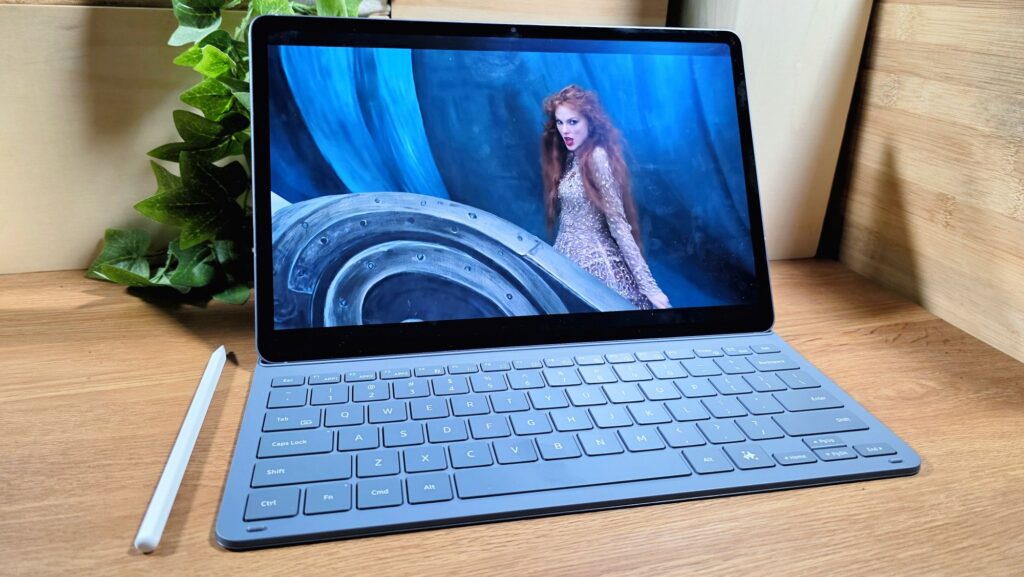
The Samsung Galaxy Tab S12+ and the Galaxy Tab S12 Ultra are both available nationwide and come with an S Pen stylus as well as a bundled Book Cover Slim Keyboard. Prices start from RM5,599 for the WiFi enabled version of the Galaxy Tab S12+ and up.
For more details check out https://www.samsung.com/my/tablets/galaxy-tab-s12/buy/?m