
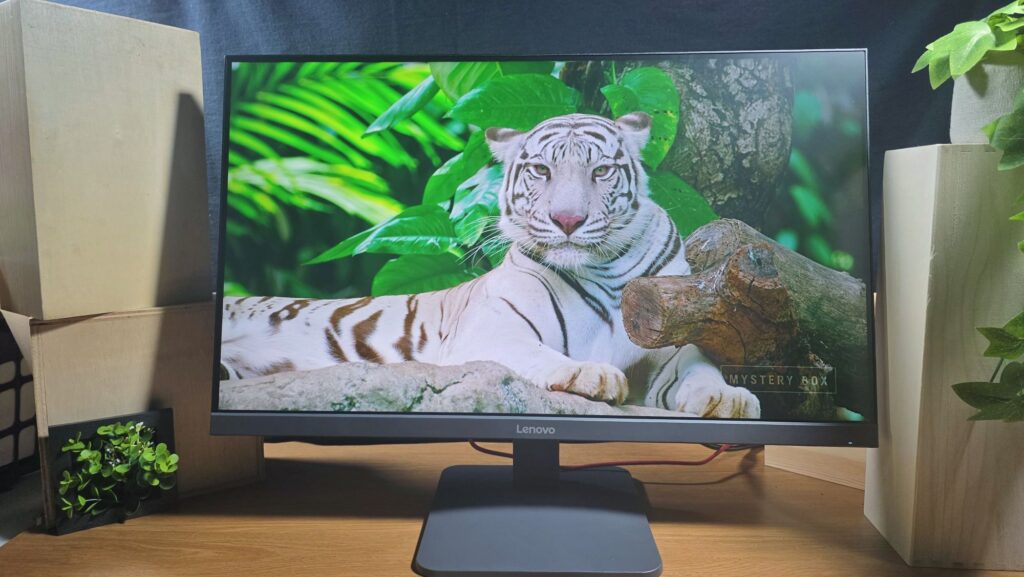
Lenovo LOQ 27-10 Review – Is this Low Budget Gaming Monitor Worth Your Money?
There is no dismissing the fact that bigger is better when it comes to PC monitors though screen size and quality can often cost a pretty penny.
While Lenovo is best known for laptops and their high-end Legion gaming monitors that cater to discerning and well-heeled gamers, the Lenovo LOQ 27-10 goes entirely in the opposite direction and is intended for gamers on a tight budget as it retails for just RM494.10 which is cheaper than an entry level phone or a night out in the fancier part of Kuala Lumpur.
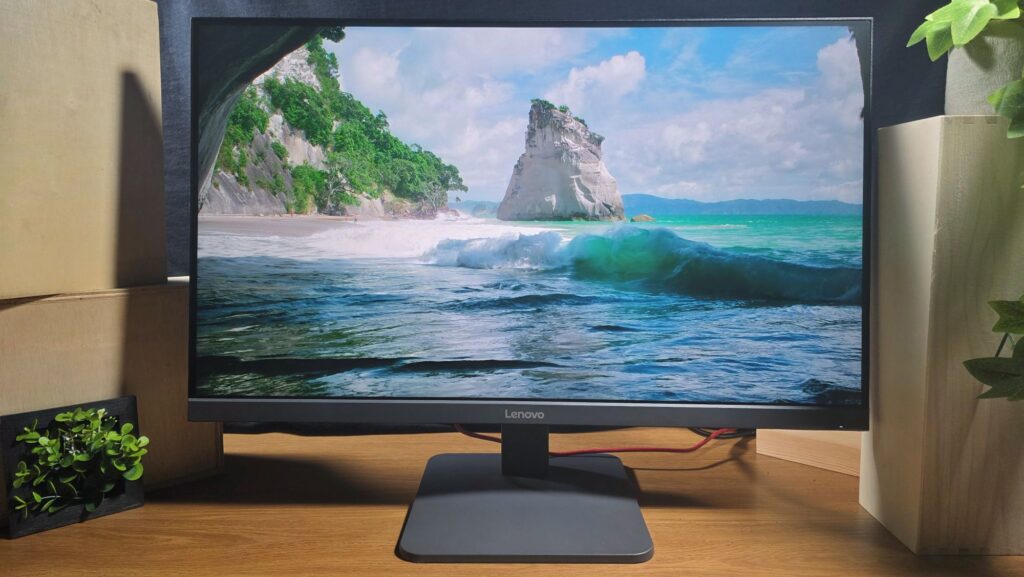
After taking it through a better part of the Season 3 battle pass in Black Ops 7 along with the usual paperwork in a normal work week, here’s our Lenovo LOQ 27-10 review where we share if their budget gaming monitor is worth what you pay for.
Lenovo LOQ 27-10 Review – Design and Specifications
Table of Contents
Gaming monitors come in a variety of sizes and features at multiple price points depending on how deep your pockets go. The Lenovo LOQ 27-10 gaming monitor veers on the budget end of the scale and aims to offer as much bang for the buck as possible.
Keeping in mind its modest RM494.1 price tag, our Lenovo LOQ 27-10 review sample prioritises features critical to gamers – namely screen size, fast response times and high refresh rates.
In this regard, the design hosts a 27-inch IPS LCD display with 1,920 x 1080 pixels resolution, a traditional 16:9 aspect ratio and a quoted 200Hz refresh rate if you use the DisplayPort. As displays go, the panel is quoted to offer a fast 0.5ms (MPRT), 1ms in Extreme Mode and 4ms in Normal mode along with AMD Freesync Premium and VESA Certified AdaptiveSync.
While it does have exceptional refresh rates and response times, it compromises on colour accuracy with the screen featuring 8-bit colour depth and offering 99% sRGB which typically translates to about 70- 75% DCI-P3 as the latter as sRGB has a narrower colour gamut than DCI-P3 which means colours aren’t fully represented onscreen. This means that it is less than ideal for content creators who require colour accuracy for their work editing photos and videos.
Combined, these features lend the Lenovo LOQ 27-10 gaming monitor a mission profile best suited for general computing and, of course gaming where colours don’t mean as much as the ability to aim down sights and empty your magazine downrange as soon as you see a hostile onscreen and where high refresh rates and fast response times can mean the difference between losing a match and getting a chicken dinner.
In terms of build and design, our Lenovo LOQ 27-10 review sample adheres to contemporary aesthetics with clean lines and a minimalist look with most of its ports and buttons clustered on the rear panel.
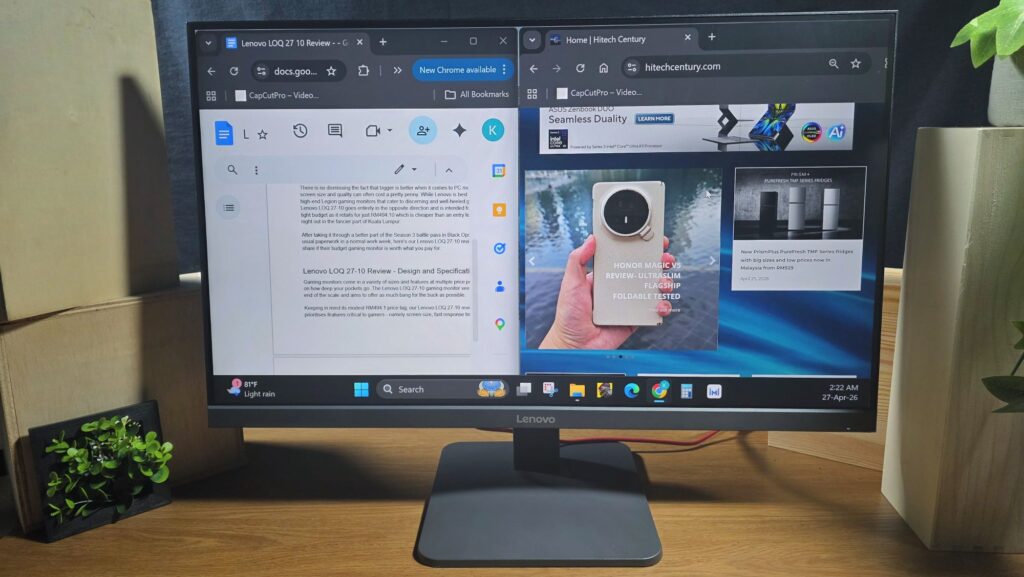
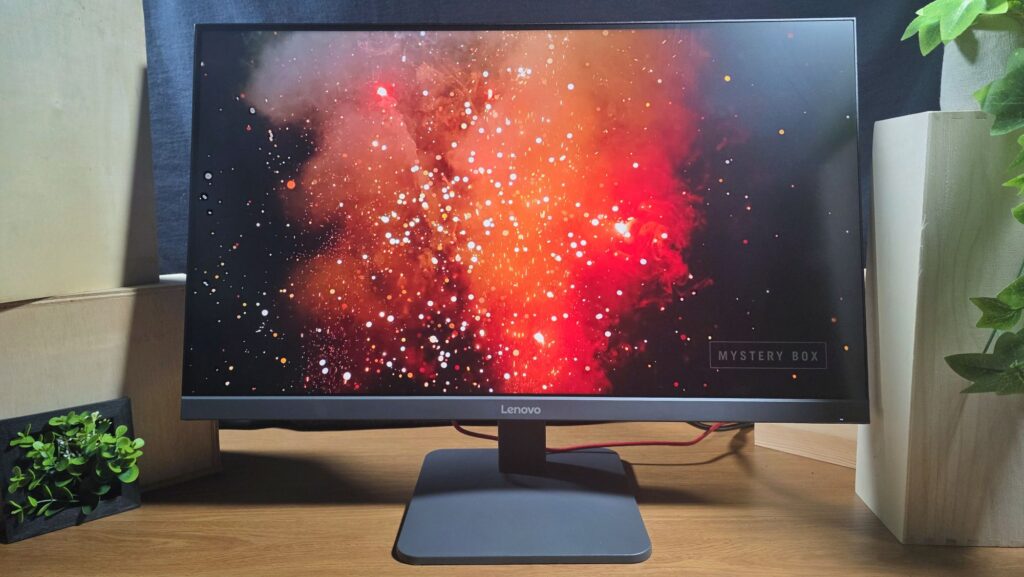
The 27-inch IPS LCD panel framed by slim top and side bezels along with a modestly chunky bottom bezel made of grey polycarbonate emblazoned with the Lenovo wordmark. The lower right of the panel features a small front-facing LED power/standby indicator and a series of five buttons arrayed in a vertical row to navigate the system menus.
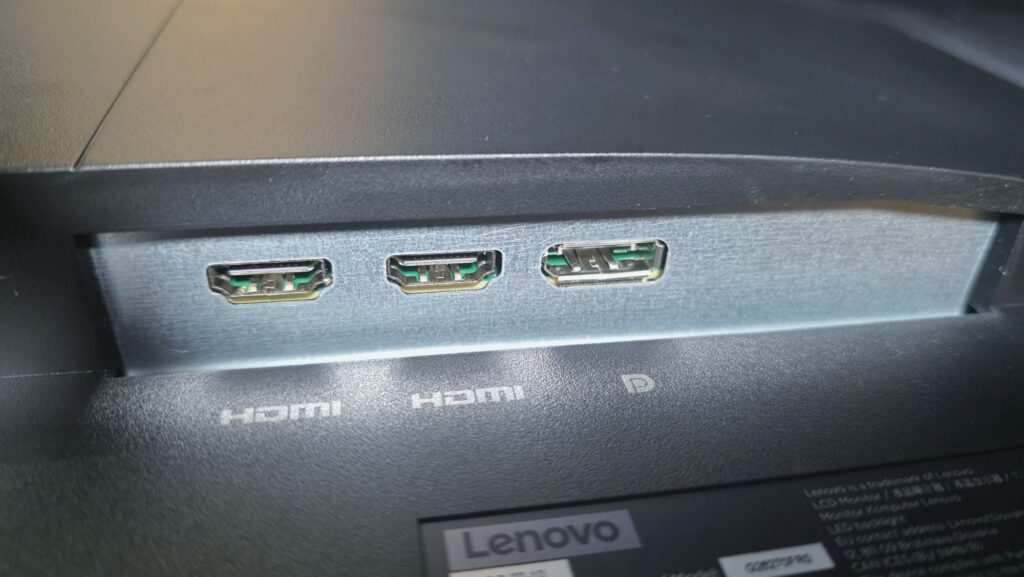
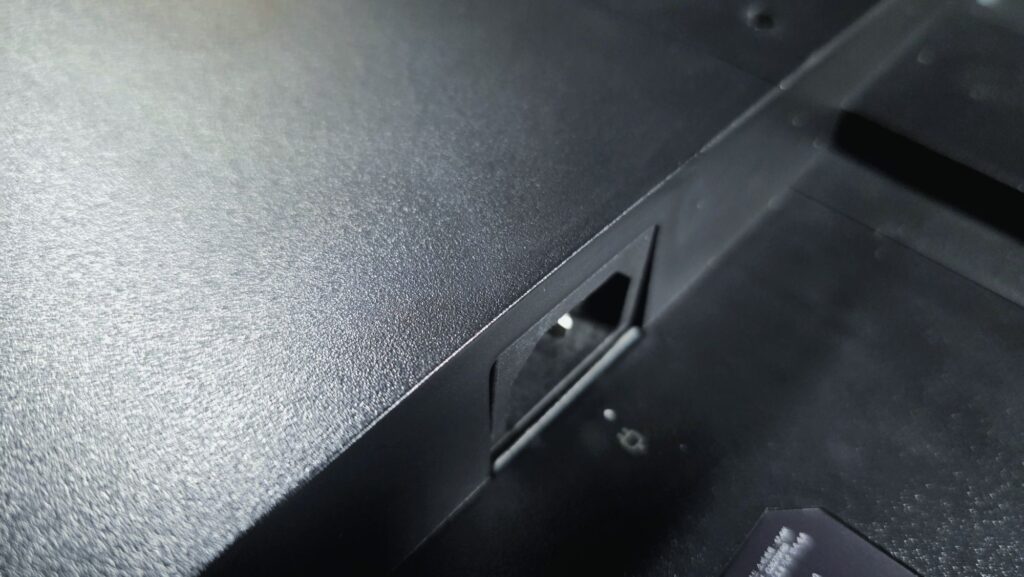
Facing downwards on the rear panel is a DC-IN port for the sole power plug to juice the monitor, a pair of HDMI 2.1 ports and a DisplayPort 1.4. While this combination of ports is adequate for most scenarios including combined gaming console and PC setups, a few additional Thunderbolt ports would have been welcome. Of note is that the monitor lacks built-in speakers so you’ll have to be reliant on an external option.
The display itself is mounted on a snap-in stand and metal base that is relatively easy to set up. While it lacks a left/right tilt and any ability to adjust height, the stand itself does allow for a small measure of up/down tilt at between -5 to about 20-degrees.
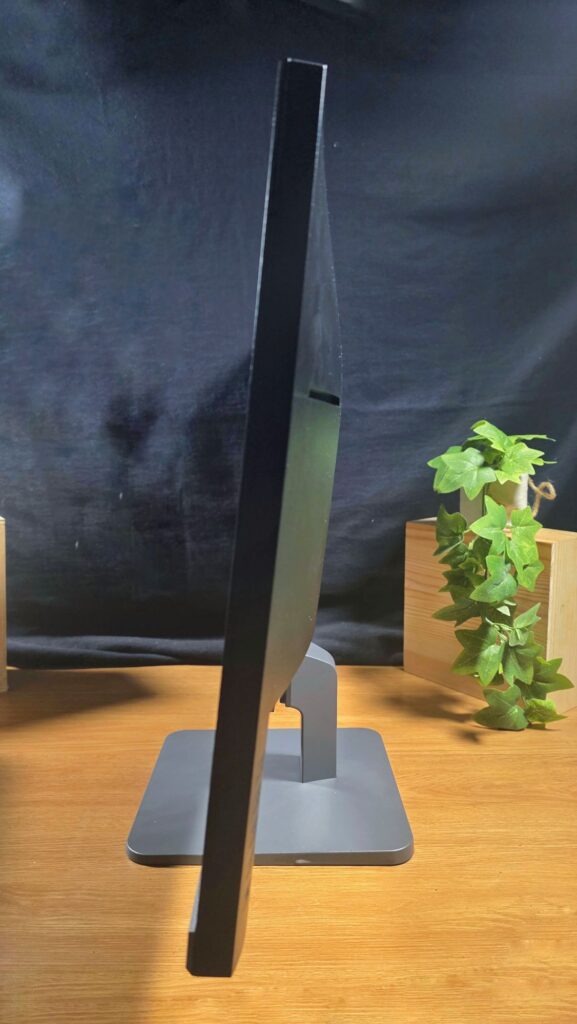
This lack of articulation means that it works best as a centrepiece design for your work setup and you’ll likely need to invest in a riser or some old phone books if you find it a bit too low for your line of sight. That quibble aside, the base is relatively compact and stable which allows for easier deployment in tight spaces.
Overall build quality is fair seeing its intended price tag and Lenovo has bundled in a free DisplayPort 1.4 to DisplayPort 1.4 cable. Seeing the prevalence of ultraportables, tablets and phones in the market these days, a HDMI cable would have been welcome but it isn’t a deal breaker.
Lenovo LOQ 27-10 Review – Setup and Performance
Getting our Lenovo LOQ 27-10 review sample up and running is a relatively easy task as the stand doesn’t require any tools and simply snaps into the base and the rear of the monitor. While we lacked a laptop with a display port, we were able to finagle a workaround with a dongle and the provided cable to connect it to the Thunderbolt port of a PC.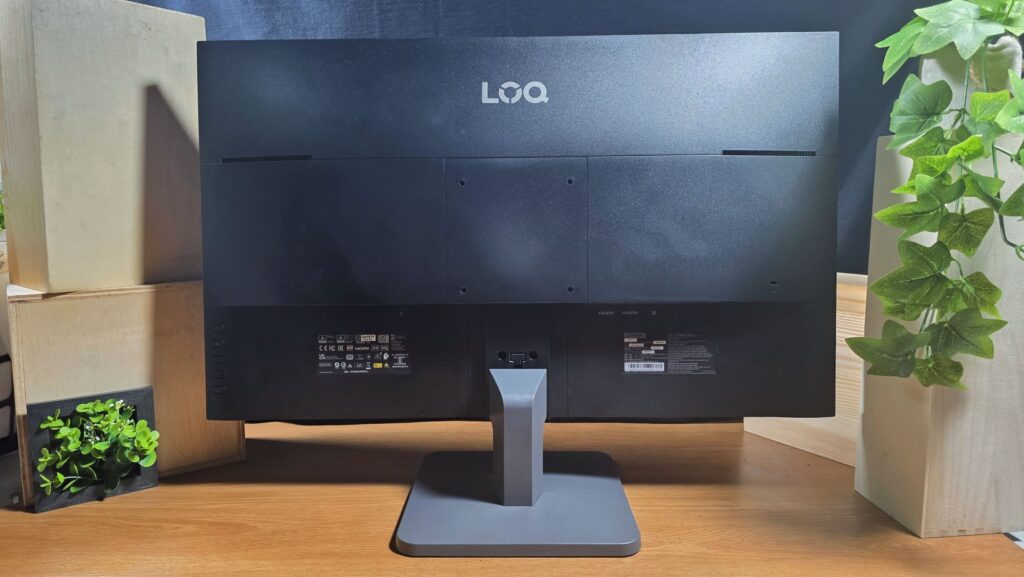
Astute readers will likely note that Lenovo does offer an app, referred to as the Lenovo Accessories and Display Manager though the Lenovo LOQ 27-10 isn’t supported which means tweaking any settings has to be done manually.
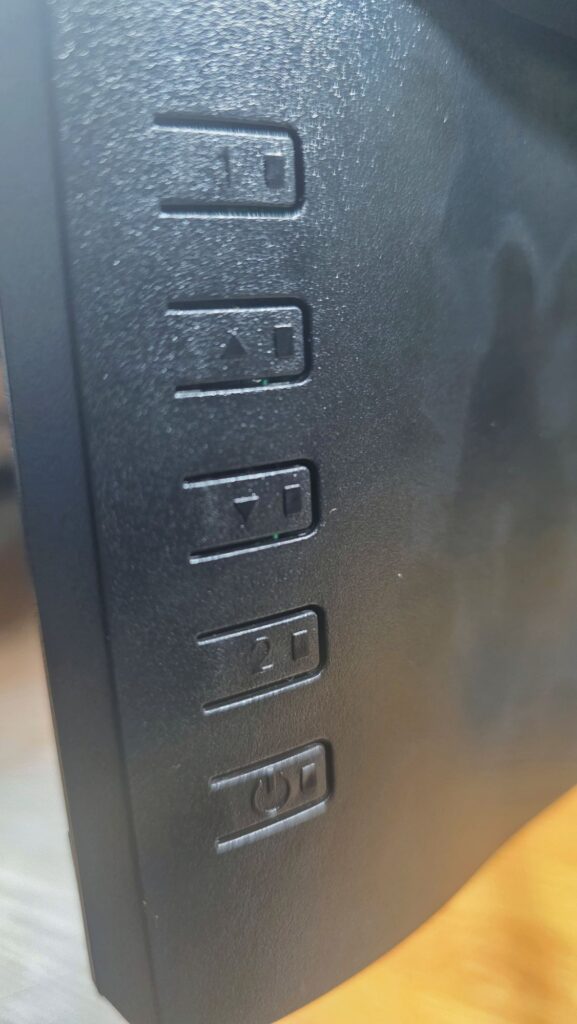
Navigating the monitor’s menus is solely via the five buttons located on the rear lower right of the panel. The provided menu settings let you control most aspects of the monitor like selecting input, selecting modes, tweaking brightness and contrast and altering colour settings.
This is arguably the biggest ergonomic gripe with the display as the buttons are ergonomically challenging to use. There are no symbols or any tactile hints as to which button does what which requires trial and error to master and the layered menus make selecting settings a chore, especially if you are feeling them solely by touch. After doing it a few dozen times, you’ll eventually get the hang of it but it is a steep learning curve.
After hooking it up to our test laptop and subjecting it to a variety of work and gaming scenarios, our Lenovo LOQ 27-10 review sample acquitted itself in a respectable manner for a budget gaming monitor.
In multiplayer games like Warzone where movement and accuracy are crucial, the display was able to offer clean imagery onscreen with minimal visible motion blur even with multiple moving targets and parkour hijinks happening onscreen in multiple test games.
Test shots with marksmen and assault rifles didn’t show discernible delay. In less competitive games like Cyberpunk 2077 which is a single player experience, the monitor offered relatively good colour rendition though blacks weren’t the best and dark areas in the game ended up looking like more of a dark grey.
Beyond gaming, the Lenovo LOQ 27-10 proved its worth as an effective display for general computing and paperwork where colour accuracy isn’t a priority when mirroring or when extending the main display of our work laptop. The large display made multitasking a breeze and web browsing as well as writing articles rather than having to peer over a smaller 14-inch laptop display.
Where the Lenovo LOQ 27-10 proved to be a surprising gem though is when it was connected to a Samsung Galaxy S26 Ultra in DeX desktop mode.
A key feature of Samsung’s flagships, DeX mode offers a virtual desktop with resizable windows and the ability to run up to five apps simultaneously onscreen but is still running Android under the hood. Hooking it up to Lenovo LOQ 27-10 along with a wireless keyboard and mouse basically gets you an ersatz PC on the cheap that can get most of your paperwork done without needing to buy a full sized laptop or PC.
Should you buy the Lenovo LOQ 27-10 gaming monitor?
The Lenovo LOQ 27 1o is a budget gaming monitor that covers the essentials, offering a large amount of screen real estate with high refresh rates for under RM500.
While its controls are irksome to navigate and it isn’t fully colour accurate, it doesn’t detract from the fact that you’re getting a large, high-refresh rate screen for a modest price. If you need a budget monitor for general paperwork or gaming, this is one of the most affordable choices in the market.
Specifications
Price RM494.10
Panel type 27-inch IPS LCD, 1920 x 1080 pixels, 200Hz refresh rate, 0.5ms MPRT (1ms GtG), 1ms (Extreme Mode), 4ms (Normal mode), 1000:1 contrast ratio, 99% sRGB, 300 cd/㎡ (Typical), HDR10, AMD Freesync Premium, VESA Adaptive Sync
Connectivity 1 x DP 1.4, 2 x HDMI 2.1 TMDS
Size/Weight 613 x 367.3 x 46mm / 4.1kg
Lenovo LOQ 27-10 review sample courtesy of Lenovo Malaysia. For more details and to purchase please visit https://www.lenovo.com/my/en/p/accessories-and-software/monitors/gaming/68f2gacbmy
*Note that configurations and features vary across different markets with this particular model indicative for the Malaysia market
Lenovo LOQ 27-10
-
Design
-
Features
-
Performance
-
Value
Lenovo LOQ 27-10
If you’re seeking a budget monitor for gaming and general computing duties at a modest price, the Lenovo LOQ 27-10 gaming monitor with its large, high refresh rate LCD panel makes for a sound choice. While the variety and diversity of ports and its lack of tilt angles are a bit of a downer, it does not detract from the fact that you’re getting all this at a very decent price.
Pros
Slim side and top bezels
Easy setup
Large display with fast refresh rate makes it ideal for gaming and general computing
Cons
Minimal tilt angle
More ports would be nice
No built-in speakers, lack of colour accuracy makes it less than ideal for content creators, buttons need a learning curve
Not supported by Lenovo Accessories and Display Manager app