
Epson EcoTank M1050 Review – Budget Mono Ink Tank Printer Done Right
Even in an increasingly paperless world, the need for affordable, reliable printing hasn’t gone away. Businesses still need hard copies for invoices and documentation, while students continue to churn out assignments and reports on a regular basis.
With printing costs always a concern for businesses and households alike, Epson’s EcoTank series has remained a popular choice over the years thanks to its low running costs. One such example is the EcoTank M1050, a mono ink tank printer built for high-volume, budget-conscious printing for homes and small business setups.
If you’re looking for a no-frills workhorse that gets the job done without costing a premium, check out our Epson EcoTank M1050 review as we find out if this mono inkjet printer is worth your money.
Epson EcoTank M1050 Review – Build and Design
Table of Contents
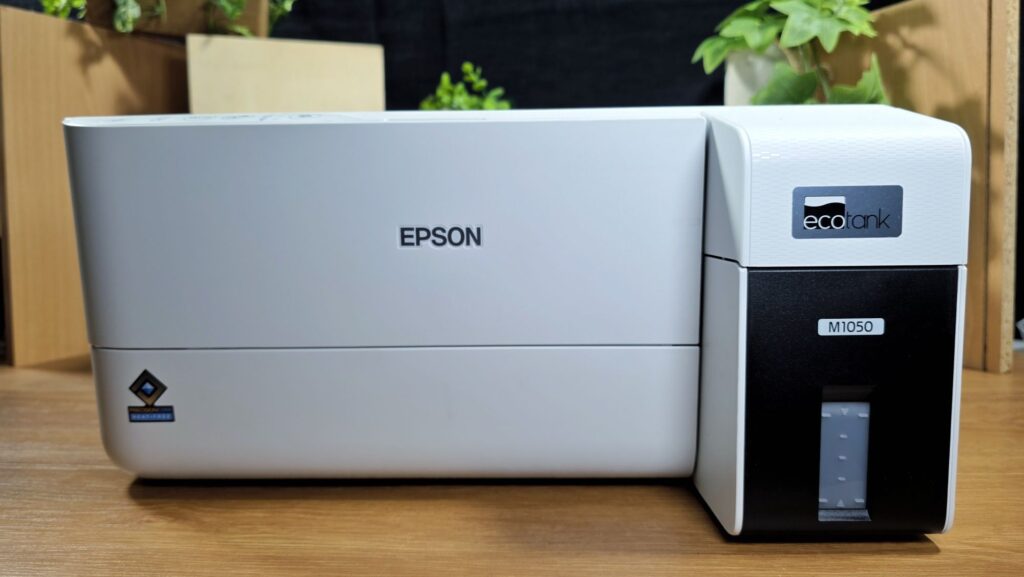
The Epson EcoTank M1050 is a mono ink tank printer designed for high volume printing duties at affordably low prices. Rather than throw in all manner of frippery, Epson has opted to keep the mission of the EcoTank M1050 straightforward – delivering crisp and affordable black and white prints in as efficient a manner as possible.
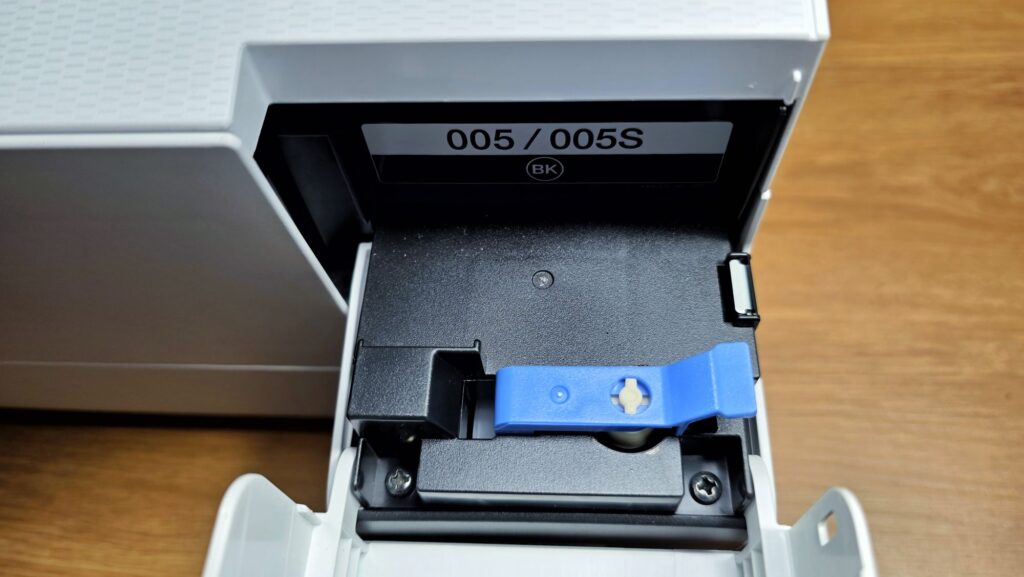
Out of the box, our Epson EcoTank M1050 review sample came with a styrofoam cradle to protect against impacts. Also provided with the printer was a black ink refill bottle rated for 6,000 prints, a power cable that connects to the DC-IN port on the back to keep it powered as well as a USB-A cable. The Epson EcoTank M1050 also offers wireless printing via WiFi as well as via a WiFi Direct connection for smartphones and other connected devices.
Astute readers will note that the EcoTank M1050 is related to the slightly pricier Epson EcoTank M2050 that has a similar form factor but has scanning and photocopying capabilities with a taller silhouette to accommodate the scanner and photocopy module.
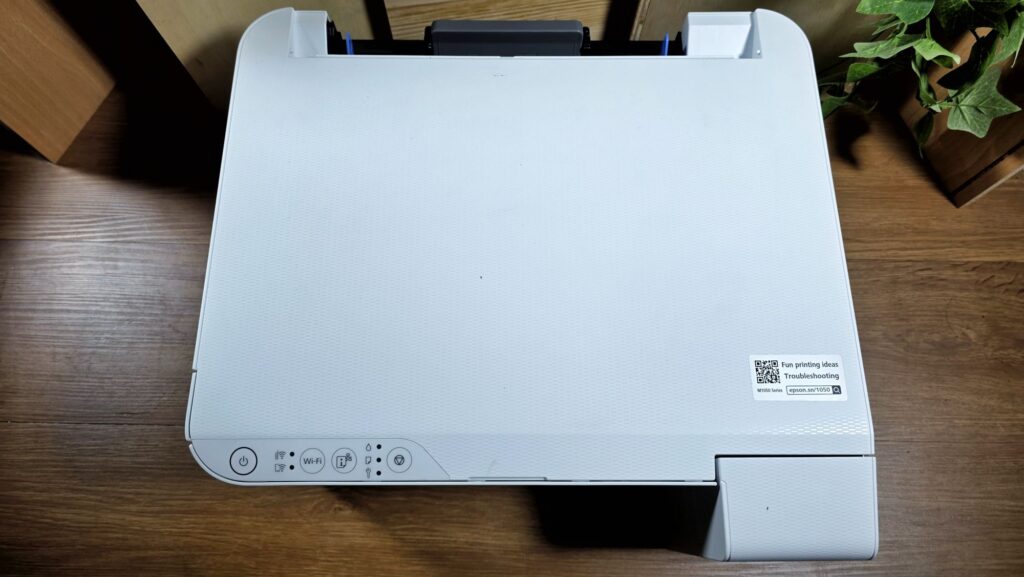
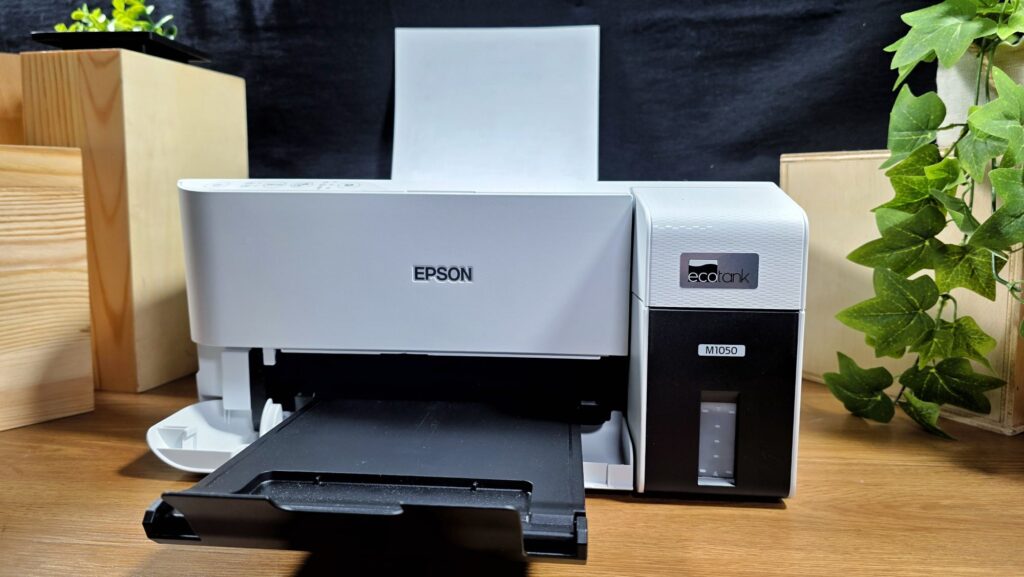
In terms of build and design, our Epson EcoTank M1050 review unit features a squarish chassis that is made primarily of polycarbonate done up in an off-white finish.
The front has a flip-out paper tray that receives printouts as well as a plastic cover that houses the inkjet tank refill nozzle. Seeing as this is mono inkjet printer with a single black ink system, the design only features one large ink tank placed up front with a see-through panel to enable users to visually assess how much ink is remaining in the tank.
Up top, you get a single row of buttons to navigate its streamlined menus. The controls consist of a series of soft-touch controls that require you to give a firm press and let you turn the printer on or off, turn the WiFi on or off, print out a network connection report and a stop operations button.
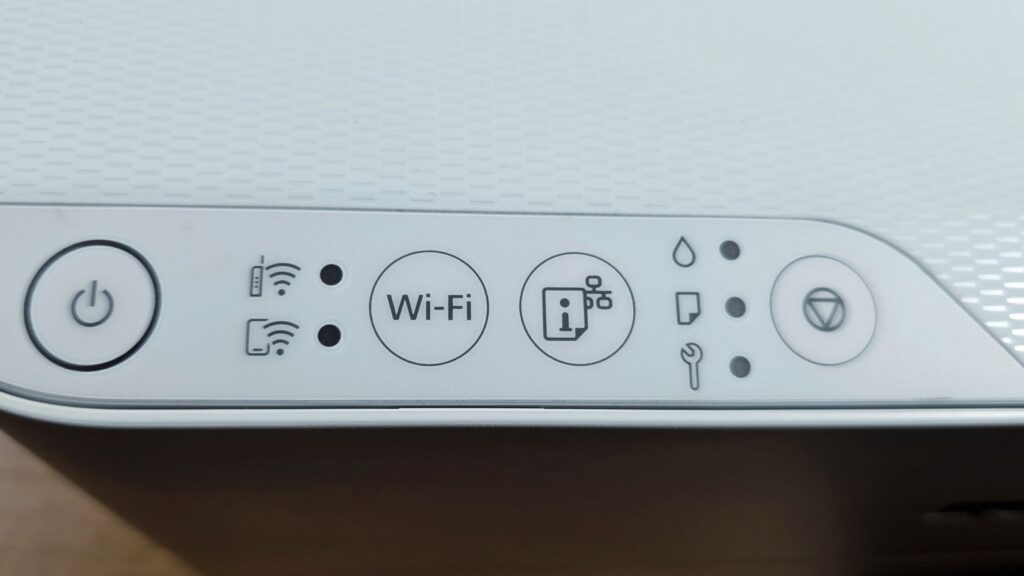
Unfortunately, the Epson EcoTank M1050 lacks an LCD panel and you’re reliant on a combination of either green or amber flashing lights on the controls as well as the Epson Smart Panel if anything goes awry. If issues occur, you’ll need to print out a network connection report which wastes paper though this typically isn’t something you need to do often.
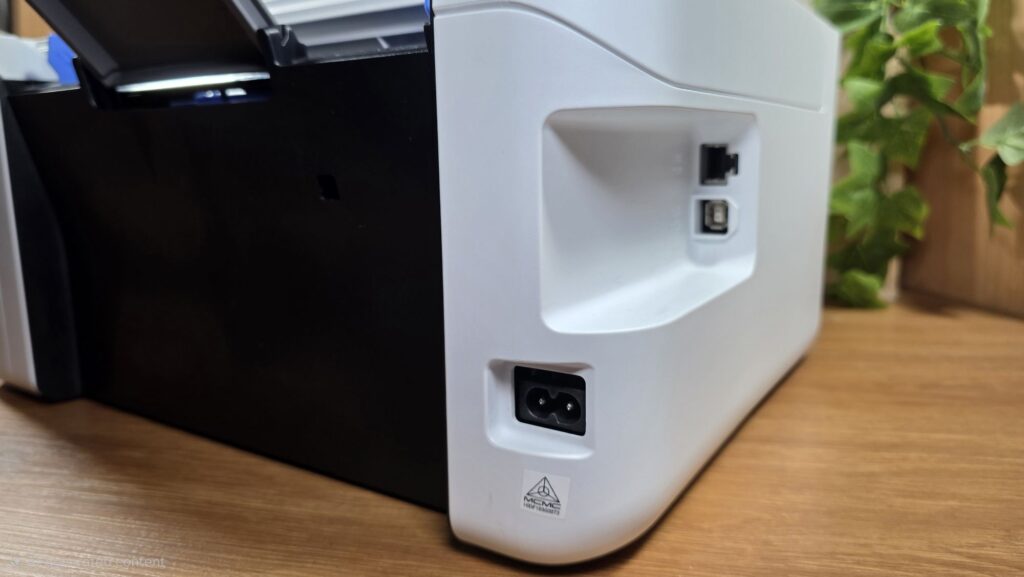
The right side of the printer contains a recess that has a wired Ethernet connection as well as a USB-A port. You also get a DC-IN port for keeping it powered when in use. The left side is otherwise unremarkable with the rear featuring a flip-out angled paper feed ramp that allows for up to 100 sheets of A4 paper to be loaded in one go.
Epson EcoTank M1050 Review – Setup, Specs and Performance
The Epson EcoTank M1050 is a mono ink tank printer that benefits from Epson’s recent refinements in printing tech that include their Epson DURABrite ET Ink that ensures printouts remain crisp and water resistant as well as their PrecisionCore Heat-Free technology eliminates the need for heat in the printing process to maximise printer reliability, durability and printing speeds with a rate of 33 ppm in black and white with up to 1,200 x 2,400 dpi resolution.
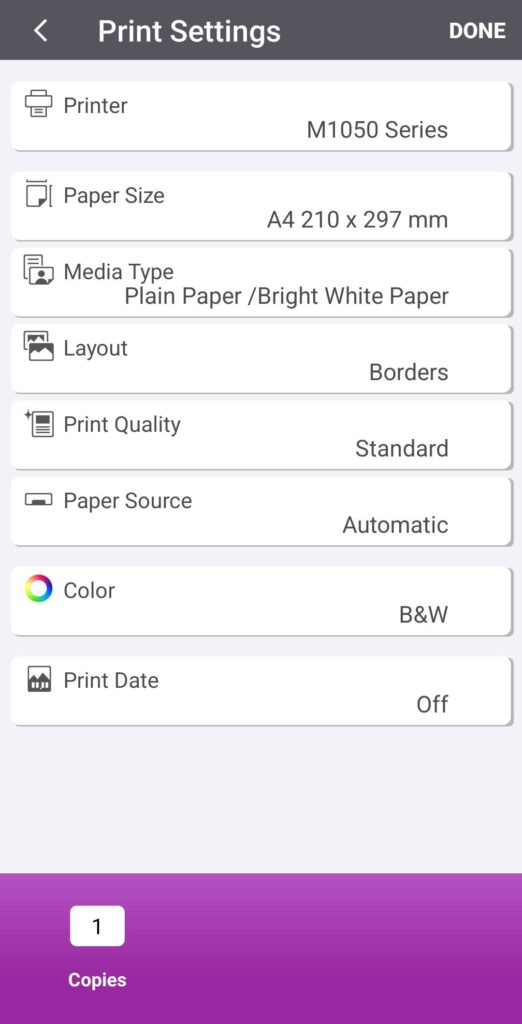
The printer supports up to A4 sized paper with the rear print feed allowing for up to 100 sheets of A4 to be fed in at a time. Of note is the inclusion of a four-year warranty or 50,000 printouts, whichever comes first.
On paper, our Epson EcoTank M1050 review sample is rated for a first page out time of 12.5 seconds which is relatively fast especially seeing its price point and role as a budget printer. Here’s how it stacks up on paper –
Specifications
Price RM599 [Printed] / RM43 [High Capacity Black Ink Bottle, 6,000 pages]
Printing technology PrecisionCore Printhead
Maximum Resolution 1,200 x 2,400 dpi
Print Speed Up to 33ppm (A4)|
First Page Out Time 12.5 seconds
Connectivity USB 2.0, WiFi 802.11b/g/n, WiFi Direct, Ethernet
Size/Weight 375 x 347 x 179mm /3.4kg
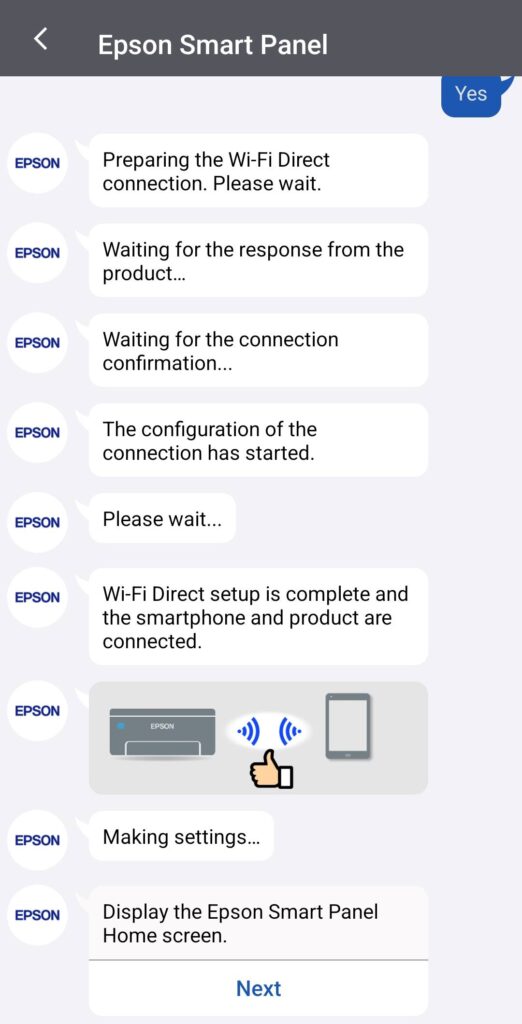
Getting our Epson EcoTank M1050 review unit up and running was a relatively simple task. After removing its packaging and plugging it in, it was simply a matter of filling up its single ink tank, turning it on and then pairing it with the Epson Smart Panel on our phone.
Pairing up with the printer took a minute or two but was an otherwise painless task. Thanks to the Smart Panel app.
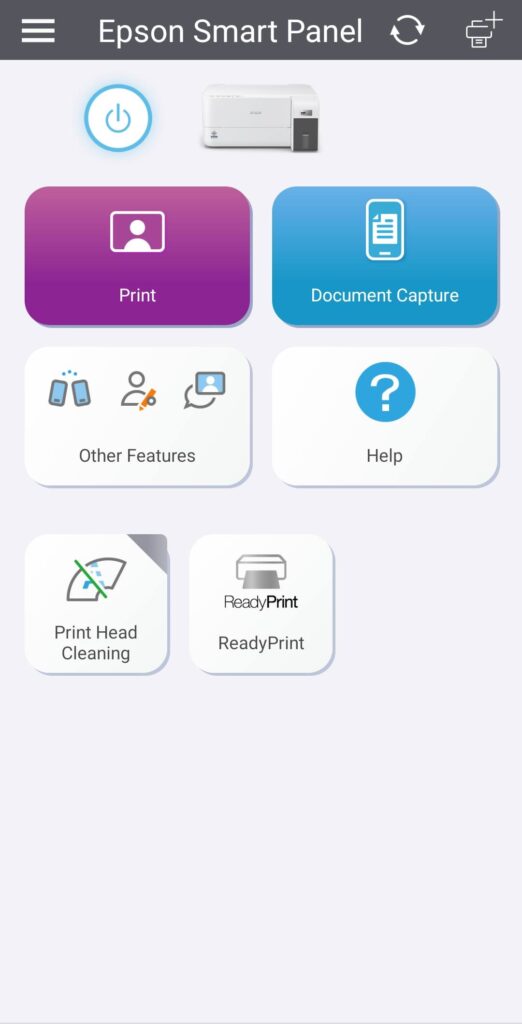
With the Smart Panel app, you’re able to turn the printer on or off, print documents straight off your phone, perform a Print Head Cleaning procedure or capture a document with your phone camera for printing with their Document Capture mode.
When tested with a variety of prints, our Epson EcoTank M1050 review unit acquitted itself well. When tested with written text, it offered pin-sharp lettering without any smudging and even small fonts remained legible without blurring.
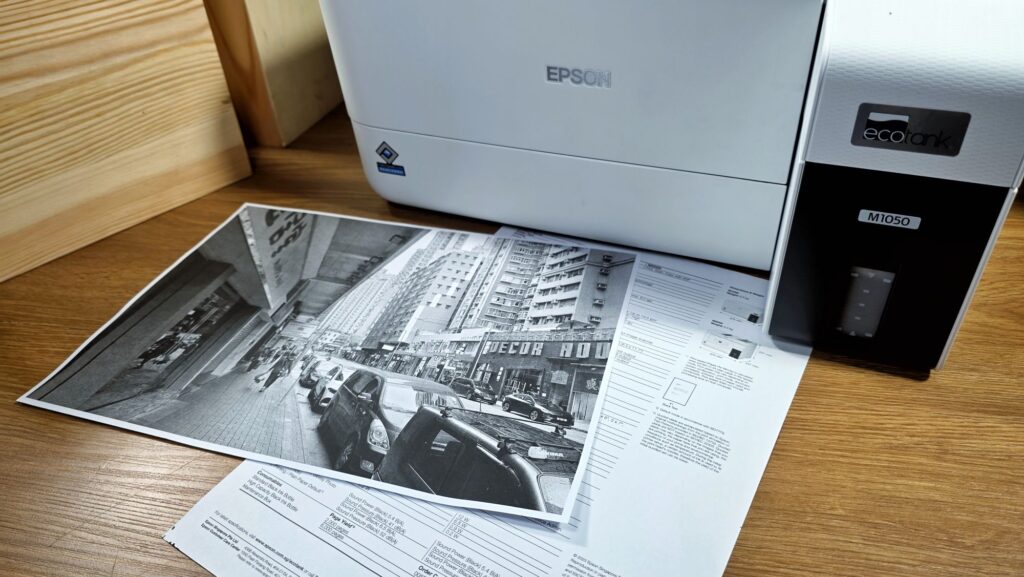
While it is not intended for printing out photos or images, it was able to churn out some decent mono prints with a good level of detail though there’s noticeable banding especially when capturing photos with a lot of dark background in the shot.
It also has some limitations in reproducing deeper shades of black but that’s to be expected seeing as the Epson EcoTank M1050 isn’t intended as a photo printer but primarily as a high-volume document printer. Of note is that the prints are smudge-free such that the printouts can survive a splash or two of water though the underlying paper will still get wet and break down.
The first printout from a cold start came well within quoted time at about ten seconds for a printed document and subsequent printouts came at a relatively fast, steady pace and at relatively low noise levels such that you’ll easily miss it in the general noise of an office or with a TV on in the background.
While it proved to offer fast printouts with low noise levels, where the Epson EcoTank M1050 faltered was in uploading documents to the printer as it took a minute or two for PDFs or other documents to get sent to the M1050’s print buffer before it was ready for printing which slowed things down somewhat.
That quibble aside, the EcoTank M1050 proved to be a solid workhorse and printed out dozens of documents in the course of a week’s worth of testing without issue. What makes it particularly impressive is the low cost per print. At the time of writing, a 6,000 page ink reload officially retails for RM43 in Malaysia. This works out to less than one sen per page.
Should you buy the Epson EcoTank M1050 Printer?
The Epson EcoTank M1050 mono ink tank printer delivers exactly what it promises, offering exceptionally low-cost A4 prints at under a cent per page. Its fast output, straightforward connectivity and minimal running costs make it a practical choice for students and small offices alike.
These advantages do come with a few trade-offs, including a basic control interface and the absence of an LCD display, but these are reasonable concessions to keep costs down. All told, if you need a dependable, no-frills printer built for high-volume, low-cost document printing, the EcoTank M1050 fits the bill well.
Epson EcoTank M1050 review sample courtesy of Epson Malaysia. For more details please visit https://www.epson.com.my/For-Home/Printers/Work-Colour-Ink-Tank-Printers/Epson-EcoTank-M1050-Ink-Tank-Printer/p/C11CL01501
Epson EcoTank M1050
-
Performance
-
Features
-
Design
-
Value
Pros
Low printing costs
Multiple cable-free printing options from your phone or laptop
Easy setup, robust build and design
Cons
Duplex printing would be nice
No LCD display
Basic controls